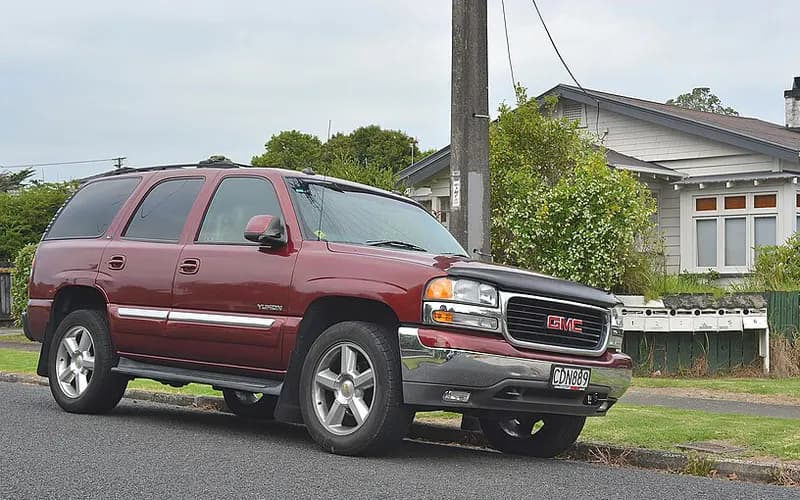
Electrical, wiring and powerModel years 2004–2004Manufacturer
No audio and no radio display, or radio clock resets (2004; radio set-up with the Tech 2)
The article is worded by class: 2004 Chevrolet, GMC and Cadillac full size Trucks and Utilities, built in March and April with radio RPO UC6, UB1 or UB0.
FaultCrate・No audio and no radio display, or radio clock resets (2004; radio set-up with the Tech 2)
Listed vehicles built in March and April with radio RPO UC6, UB1 or UB0 may have no audio and no radio display, or a radio clock that resets.
What to do
- To resolve the concern, perform a radio set-up procedure with the Tech 2.
- On the Tech 2, select the 2004 model year, Light Duty Truck, the vehicle make, then Body.
- Then select Body Series, Uplevel Radio, Special Functions and Radio Setup.
Caution
- Use software 24.003, released May 3, 2004, or newer.
Applies to
- The information pertains to 2004 vehicles, among them Chevrolet, GMC and Cadillac full size Trucks and Utilities.
See the evidence (1 documents, 6 passages)
| Document | Publisher | Date |
|---|---|---|
| [1]GM TechLink, June 2004 ↗ | ManufacturerGeneral Motors | 2004-06-01 |
Applies toThe information pertains to 2004 vehicles, among them Chevrolet, GMC and Cadillac full size Trucks and Utilities.
This information pertains to the following 2004 vehicles: - Chevrolet Colorado and GMC Canyon - Chevrolet Express Van and GMC Savana Van - Chevrolet SSR - Chevrolet Blazer and GMC Jimmy (old body) - Chevrolet, GMC and Cadillac full size Trucks and Utilities— [1]
First signsListed vehicles built in March and April with radio RPO UC6, UB1 or UB0 may have no audio and no radio display, or a radio clock that resets.
Vehicles listed above built in March and April with radio RPO UC6, UB1, or UB0 may have a concern with no audio and no radio display, or the radio clock is resetting.— [1]
RepairTo resolve the concern, perform a radio set-up procedure with the Tech 2.
To resolve the concern, perform a radio set-up procedure with the Tech 2.— [1]
RepairOn the Tech 2, select the 2004 model year, Light Duty Truck, the vehicle make, then Body.
Select 2004 model year Select Light Duty Truck Select the vehicle make Select Body— [1]
RepairThen select Body Series, Uplevel Radio, Special Functions and Radio Setup.
Select Body Series Select Uplevel Radio Select Special Functions Select Radio Setup— [1]
CautionUse software 24.003, released May 3, 2004, or newer.
TIP: Use software 24.003, released May 3, 2004, or newer.— [1]
Put together by FaultCrate from public records and technical documents. The cause and the repair are for the workshop to decide with the vehicle in front of it. Counts are records, not failure rates.
List the records (1 that can be opened)
Records whose recall number, document number or text matches. Each line says why it matched.
- No audio and no radio display, or radio clock resetting: radio set-up procedure with the Tech 2Manufacturer communication 2004-06-01・document number matches