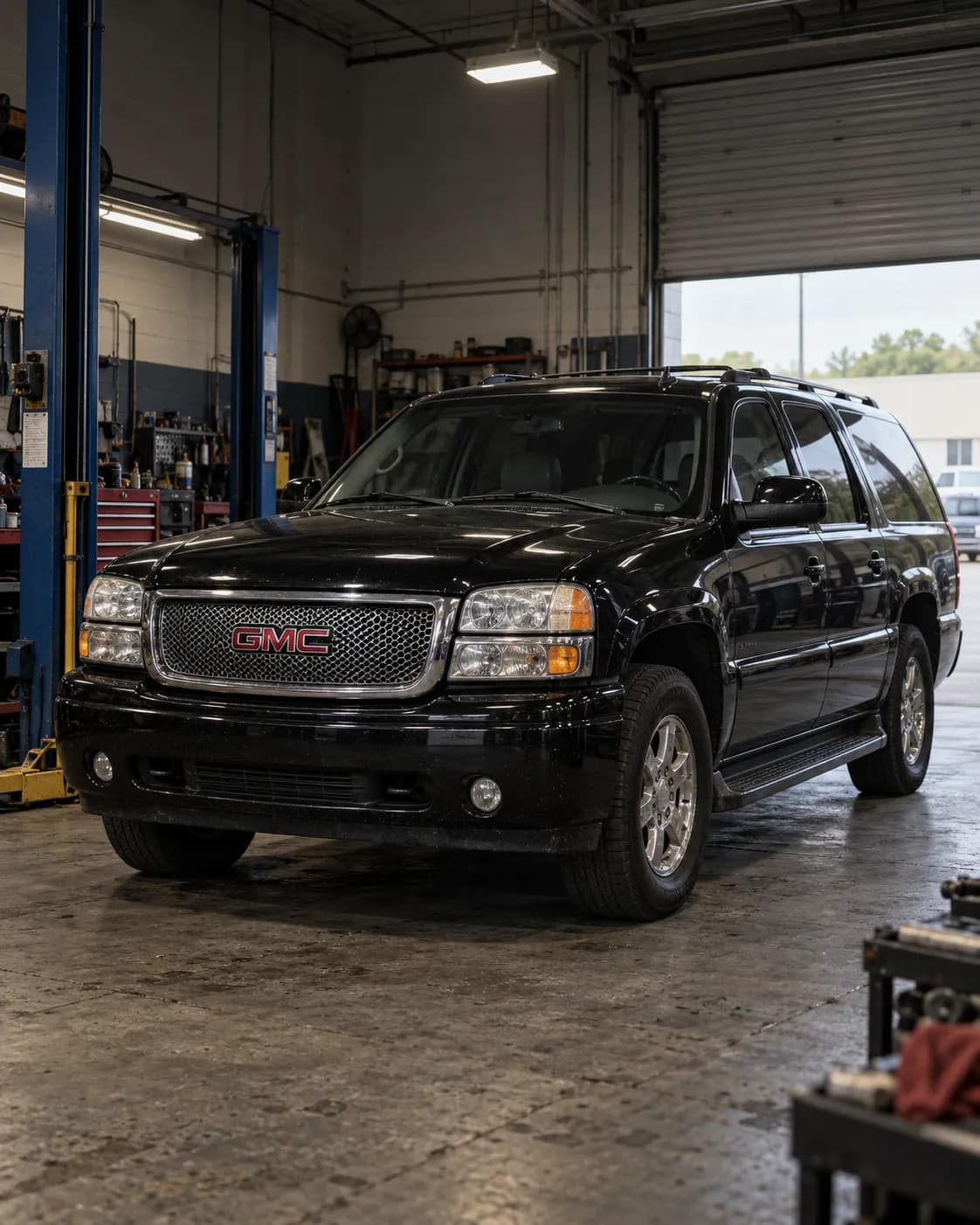
Source reference 10113892
Manufacturer communication — 2006 GMC YUKON DENALI XL
Relation to the target vehicle
- The source's vehicle field includes the trim.
- Model year
- Match 2006 — Source vehicle field
- Model
- Match YUKON DENALI XL — Source vehicle field
- Trim
- Match Denali — Source vehicle field
What the manufacturer’s document says
PIT5484A ・ fault and correction ・ names this vehicle
Applies to
Applies to 2003-2006 GMC Yukon/Yukon XL.
the passage
2003-2006 GMC Yukon/Yukon XL
Fault
OnStar is unable to configure the vehicle after the OnStar 15-08-44-001 upgrade; OnStar receives a 118 error when attempting to configure the vehicle.
the passage
Dealers may report that OnStar is unable to configure the vehicle after the OnStar 15-08-44-001 upgrade. OnStar receives a 118 error when attempting to configure the vehicle.
Related symptoms: OnStar unable to download Turn By Turn directions, OnStar Data Services inoperative (remote unlock, flash lights, etc), and long connect times to OnStar.
the passage
OnStar unable to Download Turn By Turn directions • OnStar Data Services inoperative (remote unlock, flash lights, etc) • Long connect times when attempting to connect to OnStar
Finding the cause
Possible causes
This occurs because the new module is not connecting to the preferred network.
the passage
This occurs because the new module is not connecting to the preferred network.
Correction
Repair
After talking to OnStar through the blue button, leave the vehicle powered up for 10 minutes for the cellular network to update.
the passage
After talking to OnStar through the blue button, leave the vehicle powered up for 10 minutes for the cellular network to update.
Turn off the vehicle and cancel RAP by opening the driver door.
the passage
Turn off the vehicle. 3. Cancel RAP (open the driver door).
Disconnect the vehicle battery, wait for 5 minutes, then reconnect it.
the passage
Disconnect the vehicle battery. 5. Wait for 5 minutes. 6. Reconnect the vehicle battery.
Press the blue button again to contact an advisor and attempt another configuration.
the passage
Press the blue button again to contact an advisor and attempt another configuration.
If the vehicle is already in a metro area and still has the concern, it may be necessary to drive it 2 Kilometers in each direction of the dealer so the OnStar system can connect to a tower and establish a Packet Data connection.
the passage
If the vehicle is already in a metro area and exhibits this concern, it may be necessary to drive the vehicle 2 Kilometers in each direction of the dealer to allow the OnStar system to connect to a tower and establish a Packet Data connection.
If Packet Data still cannot be established, install the OnStar test antenna and retest after letting the vehicle run outside for 5 minutes.
the passage
If packet Data still cannot be established, install the OnStar test antenna and retest operation after letting the vehicle run outside for 5 minutes.
Compiled by reading the full text of the document; each point stands on the passage shown. Check the document itself, linked below, before working on a vehicle.
Stated content
Communication summary
本予備情報通知では、OnStar 15-08-44-001アップグレード後にOnStarが車両を構成できず、OnStarが車両の構成を試行する際にエラーコード118を受け取る場合、テクニシャンに通知しています。ディーラーはキットとともに、このエラーの処理に対応するステップを提供するシートを受け取る必要があります。ディーラーは記載されているステップのいずれかに従って、この問題を解決します。構成の問題が解決しない場合は、OnStar Technical Assistance Centreに連絡して支援を受けてください。 Machine translation (unreviewed)
This Preliminary Information communication advises the technician that if OnStar is unable to configure the vehicle after the OnStar 15-08-44-001 upgrade and Onstar receives a 118 error code when attempting to configure the vehicle. Dealers should receive a sheet with the kit that provides steps to assist with handling this error. Dealer will follow one of the listed steps to resolve the issue. If there are still configuration issues, please contact the OnStar Technical Assistance Centre for assistance.
Go to this passage in the original
Source
- Source
- NHTSA Manufacturer Communications
- Source reference
- 10113892
- Received by source
- 2017-08-15
- Incident date
- Unknown
Open original text and sourceOpen the provider's page (external)