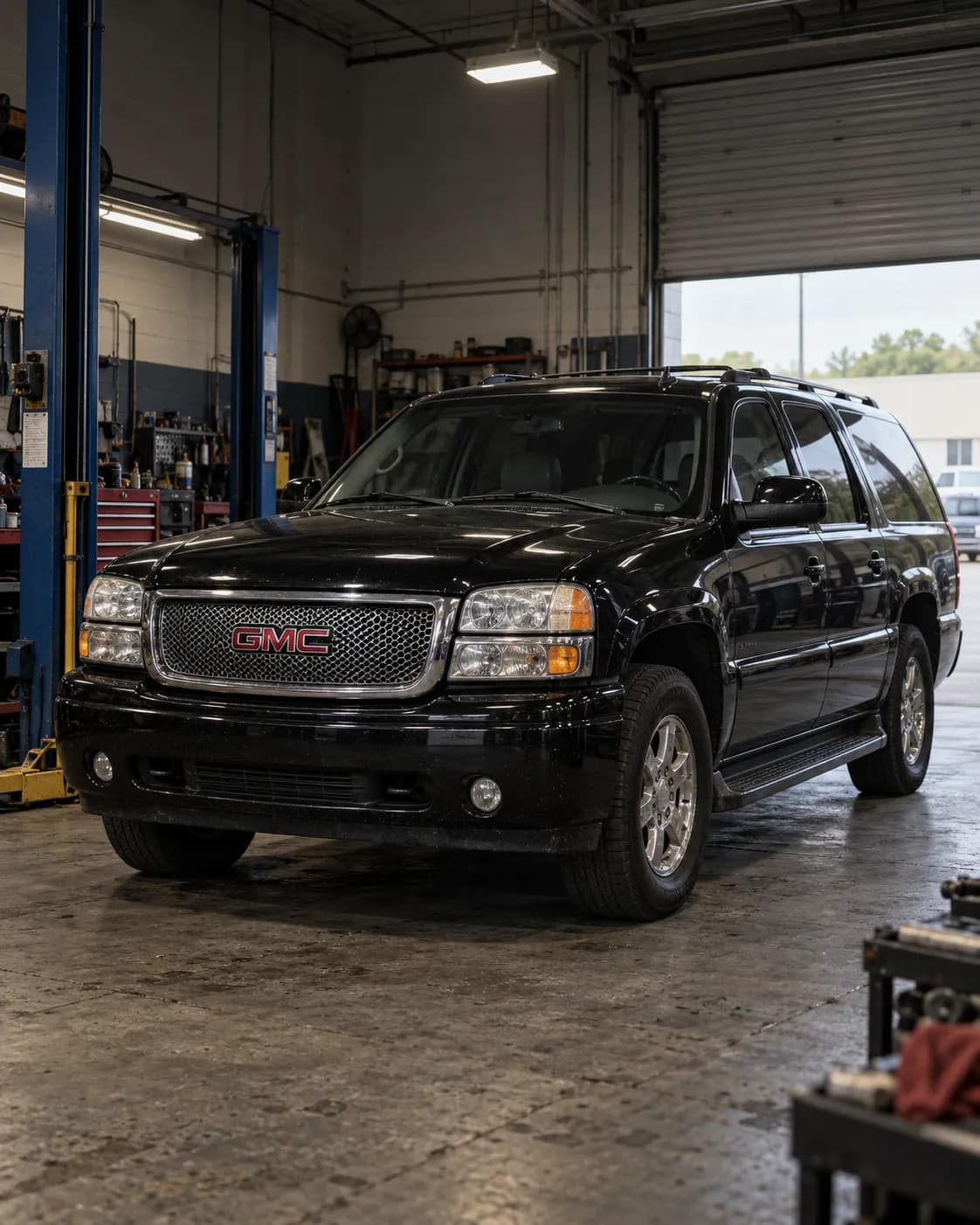
Source reference 10114979
Manufacturer communication — 2006 GMC YUKON
Relation to the target vehicle
- The source's vehicle field says Yukon; whether it is an XL is not stated.
- The trim (Denali) is not stated.
- Model year
- Match 2006 — Source vehicle field
- Model
- Unknown YUKON — Source vehicle field
- Trim
- Unknown
What the manufacturer’s document says
PIT5484 ・ fault and correction ・ names this vehicle
Applies to
The model list includes 2003-2006 GMC Yukon/Yukon XL.
the passage
2003-2006 GMC Yukon/Yukon XL
Fault
OnStar is unable to configure the vehicle after the OnStar 15-08-44-001 upgrade and receives a 118 error when attempting the configuration.
the passage
Dealers may report that OnStar is unable to configure the vehicle after the OnStar 15-08-44-001 upgrade. OnStar receives a 118 error when attempting to configure the vehicle.
Finding the cause
Possible causes
The OnStar advisor may say during the blue button call that the vehicle cannot be configured; this occurs because the new module is not connecting to the preferred network.
the passage
During the blue button call, the OnStar advisor may tell you that the vehicle cannot be configured. This occurs because the new module is not connecting to the preferred network.
Correction
Repair
After talking to OnStar through the blue button, leave the vehicle powered up for 10 minutes so the cellular network can update.
the passage
After talking to OnStar through the blue button, leave the vehicle powered up for 10 minutes for the cellular network to update.
Then turn off the vehicle, cancel RAP by opening the driver door, disconnect the vehicle battery, wait for 5 minutes and reconnect the battery.
the passage
Turn off the vehicle. 3. Cancel RAP (open the driver door). 4. Disconnect the vehicle battery. 5. Wait for 5 minutes. 6. Reconnect the vehicle battery.
Press the blue button again to contact an advisor, attempt another configuration and verify that it was successful.
the passage
Press the blue button again to contact an advisor and attempt another configuration. 8. Verify that the configuration was successful.
If the concern remains, it may be necessary to drive the vehicle into a metro area and retest, or, if already in a metro area, to drive 2 Kilometers in each direction of the dealer so the OnStar system can connect to a tower.
the passage
If the concern is still present after performing the steps provided, it may be necessary to drive the vehicle into a metro area and retest. If the vehicle is already in a metro area and exhibits this concern, it may be necessary to drive the vehicle 2 Kilometers in each direction of the dealer to allow the OnStar system to connect to a tower.
What is needed
- Parts and materials
- Not stated
- Labor time
- Not stated
- Special tools
- Not stated
- Scan tool
- Not stated
Only what the technical documents state. "Not stated" does not mean not needed.
Compiled by reading the full text of the document; each point stands on the passage shown. Check the document itself, linked below, before working on a vehicle.
Stated content
Communication summary
本予備情報通知は、OnStar 15-08-44-001アップグレード後にOnStarが車両の設定に失敗し、OnStarが車両の設定を試みる際にエラーコード118を受信した場合、整備士に通知するものです。販売店はこのエラーへの対応手順を示すシートをキットとともに受け取る必要があります。販売店は記載されたステップのいずれかに従って問題を解決します。設定に関する問題が依然として存在する場合は、OnStar技術サポートセンターに連絡してください。 Machine translation (unreviewed)
This Preliminary Information communication advises the technician that if OnStar is unable to configure the vehicle after the OnStar 15-08-44-001 upgrade and Onstar receives a 118 error code when attempting to configure the vehicle. Dealers should receive a sheet with the kit that provides steps to assist with handling this error. Dealer will follow one of the listed steps to resolve the issue. If there are still configuration issues, please contact the OnStar Technical Assistance Centre for assistance.
Go to this passage in the original
Source
- Source
- NHTSA Manufacturer Communications
- Source reference
- 10114979
- Received by source
- 2017-08-15
- Incident date
- Unknown
Open original text and sourceOpen the provider's page (external)